
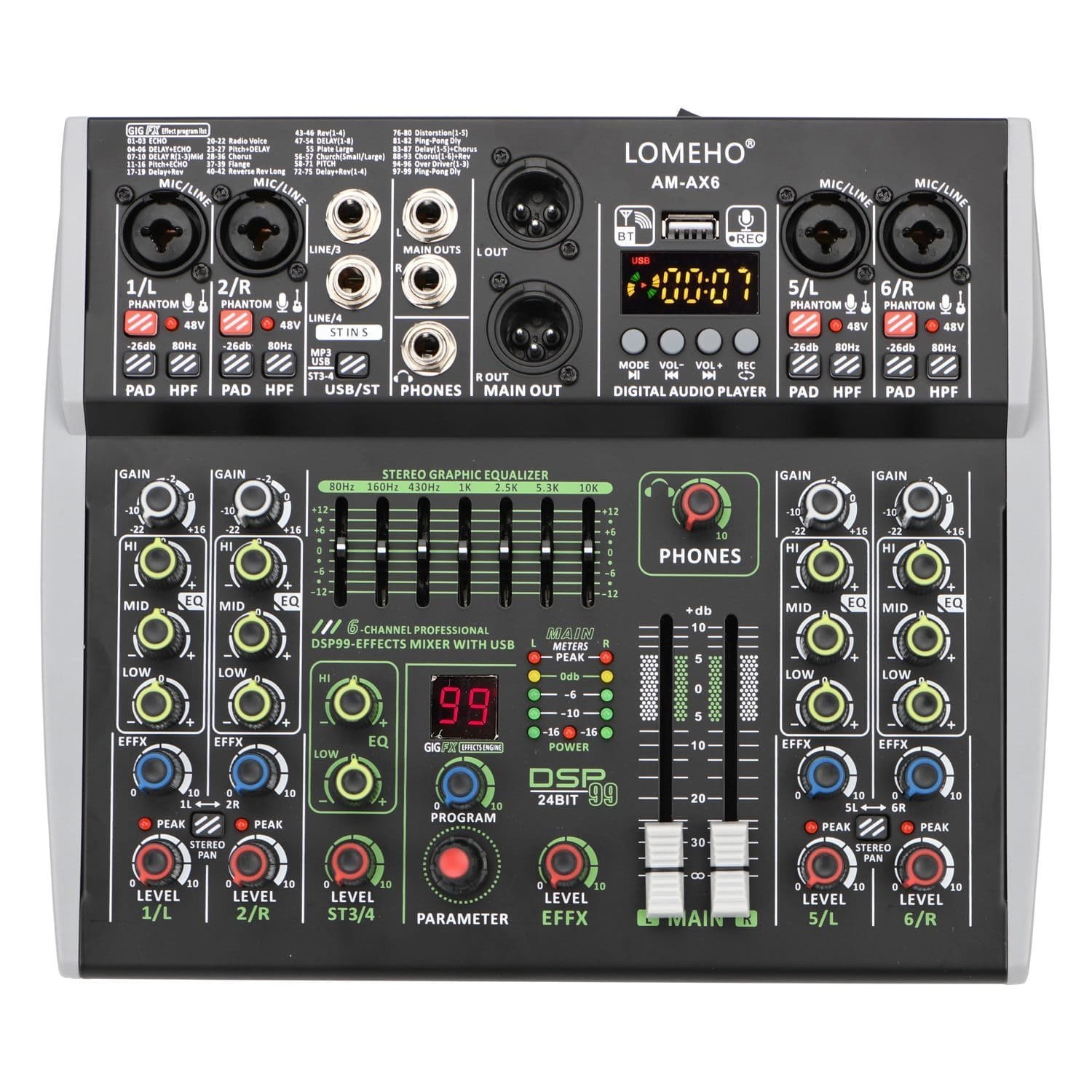
Mini Channels Individual 48V Phantom Power Audio Mixer
Extra Features
- Premium Quality
- Secure Payments
- Satisfaction Guarantee
- Worldwide Shipping
- Money Back Guarantee
Certification: NONEType: MixersModel Number: AM-AX6Type: Audio MixersBluetooth: YesUSB: YesDSP: 99 EffectsCertification: NonePower: Individual 48VAM-AX SeriesAM-AX6 Mini Channels Individual 48V Phantom Power Mobile 99 DSP Effects Bluetooth USB Computer Play Record Podcast Audio MixerSelling Point:1. Power supply: DC 12V 2A2. 4/6 Channel mixing console(2/4 Mono 1 Stereo with Mono)3. Bluetooth function4. 99 DSP Effects5. USB Play and Record6. Computer play and record7. Mobile Broadcast (Podcast)8. Individual 48V phantom power9. -26dB PAD and 80Hz HPF function10. Mini, portableDifference of AM-AX4 and AM-AX6:AM-AX4: 2 MONO 1 STEREOAM-AX6: 4 MONO 1 STEREOPower supply:DC 12V 2A, EU plug4 Channels1). CH1/2/5/6 are Mono channels, CH3/4 is stereo chanel.2). For signal from CH1/2/5/6, L/R of main out will output same signal3). For signal from CH3, L of main out will output the signal, R will not output signal.4). For signal from CH4, R of main out will output the signal. L will not output signal.Common unconnectable input devices:For these device, mixer can not supply working power, device can not work normal though you use plug adapters.Bluetooth function:1. Distance:2. Mixer only can accept bluetooth signal, it can not send out bluetooth signal.3. After pairing, please press down “ST3-4/USB MP3” button, then you can adjust the signal from CH3/4 to main output.99 DSP effects:1. Parameter: Choose effect2. Program: Adjust parameter3. Level: Adjust the output levelConnection with U-Disk(U-Disk is not included,buyer need buy it by himself)1. U-Disk format: FAT32 ( Do not support NTFS).2. Play format: MP3, WMA,WAV,FLAC.3. Record format: MP3(Before recording, please copy a song in the U disk, otherwise, the disk may not be possible to record).4. Sampling frequency: 16 Bit 48KHz.5. Please press down “ST3-4/USB MP3” button, then you can adjust the signal from CH3/4 to main output.Connection with PC(USB cable is not included, buyer need buy it by himself)1. Computer playBuyer downloads music play software, and choose mixer as speaker. Then computer music signal will come into mixer.Please press down “ST3-4/USB MP3” button, then you can adjust the signal from CH3/4 to main output.2. Computer recordBuyer downloads music record software, choose mixer as microphone. Then mixer signal will come into computer.3. Please note, you conly can record MONO music.Mobile broadcast (Podcast) Buyer need buy OTG by himself.Individual 48V phantom power:1. Phantom power is only for XLR socket.2. You can use 48V condenser microphone and dynamic microphone through XLR socket at same time. 3. Connection with dynamic microphone1) We recommend using XLR cable to connect mic to mixer. If you use 6.3 plug,the volume will be small.)2) please do not power on 48V phantom power, otherwise the power maybe burn the dynamic microphone.4. Connection with 48V condenser microphone1) If your condenser microphone supports 48V, please power on 48V phantom power.2) if your ocndenser microphone does not supports 48V, you can not use the micorphone.PAD Button (26dB)It will attenuate the sound input to the device when turn on this switch. You can turn on the switch if you hear the distortion or [PEAK] light is on. HPF Buttoon (80Hz)High Pass Filter, cuts bas frequencies below 80Hz.Gain knob:1. Adjust the input signal level.2. To get the best balance between the S/N ration and the dynamic range, adjust the gain so that the PEAK indicator only occasionally and briefly on the highest input transients.Peak light:Light will be on when the volume of input and or post-equalizer sound is too high. If it is lit, turn the [Gain] knob to the left to lower the volume. Stereo Pan:Button is bounced up: [MONO].Sound input to channels 1/L or 2/R can be heard from both the right and left speakers. If you use the 1/L or 2/R individually, set the switch to this setting.Button is pressed down:[STEREO].Sound input to channel 1/L can be heard from only the left speaker , and the sound input to channel 2/R can be heard from only the right speaker. ST3-4/USB MP3:Line input signals : Button is bounced upU-disk/bluetooth/pc input signals: Button is pressed downHeadphone volume control:1. [LEVEL PHONES] Knob can adjust the volume of headphone.2. [MAIN OUT] fader do not control the volume of the headphone.Stereo 3/4 (L/MONO)For connecting to Line-level devices such as an electric keyboard or an audio device.Channel 3 is a L/Mono channel.1) Only input signal to channel 3, main output will output CH3’s signal to left and right channels.2) Only input signal channel 4, the main output will output CH4’s signal to right channel3) Input signals to channels 3/4 at the same time, the main output will output CH3’s signal to left channel and CH4’s signal to right channel.Packing:1. Packing list:Audio mixer 1 pcPower adapter 1 pcManual 1 pc2. Size and packing
Related products
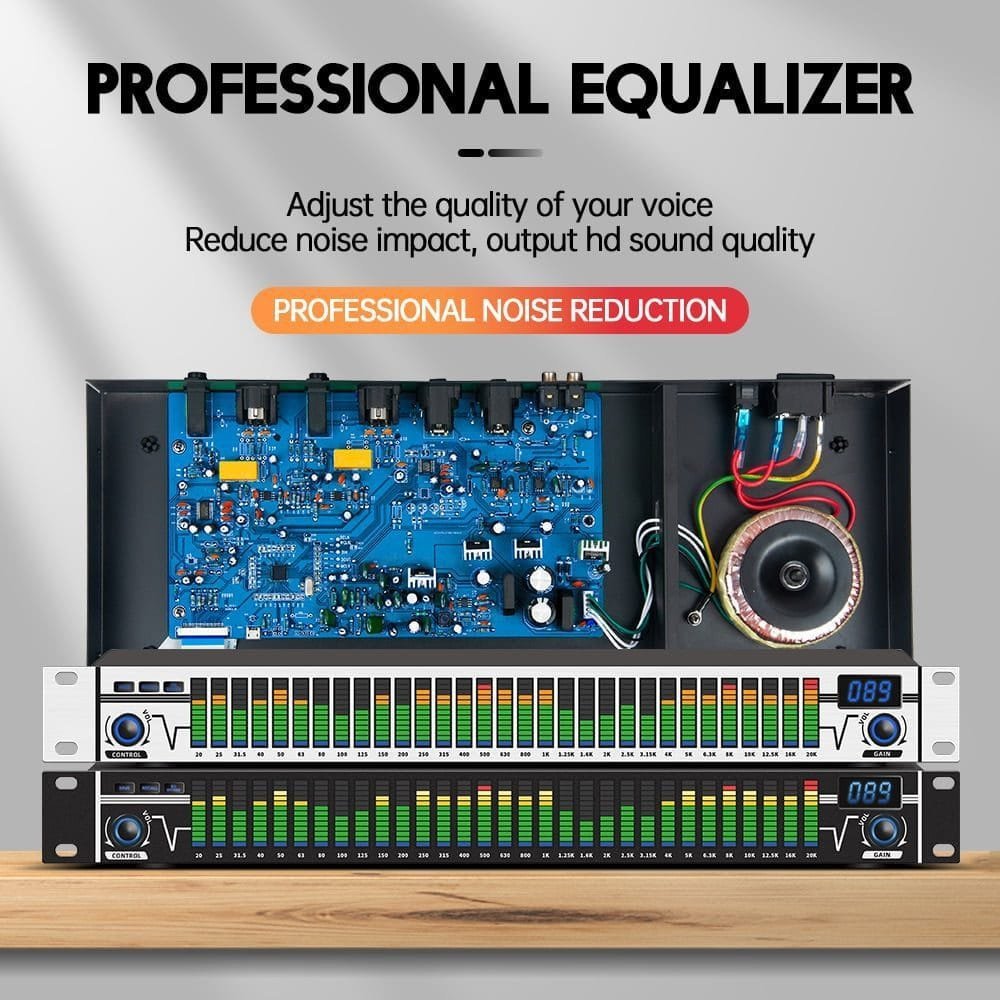
Digital 31 Bands Audio Equaliser
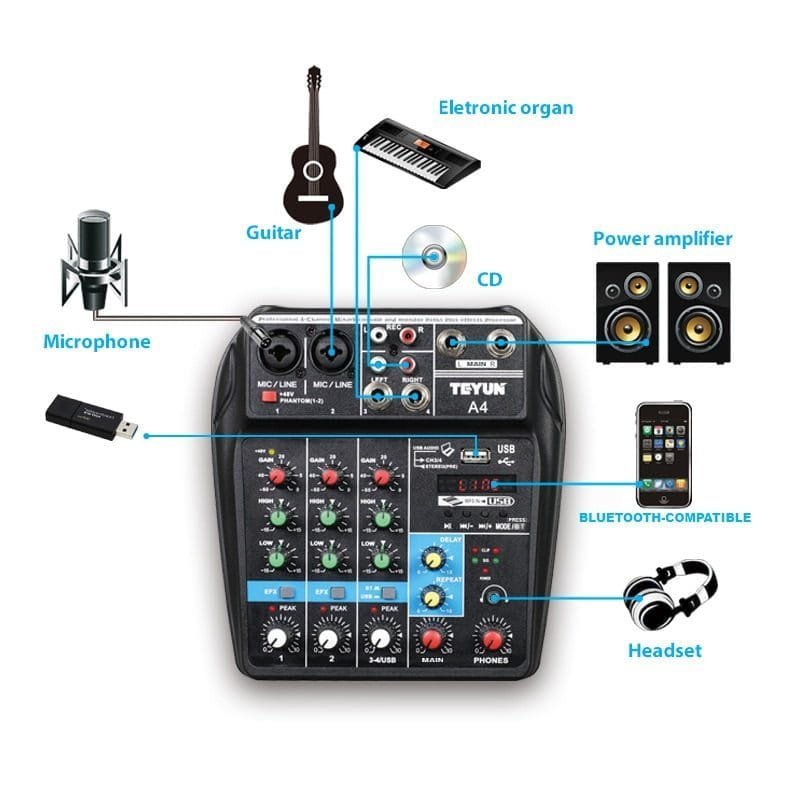
4 Channel Audio Mixer
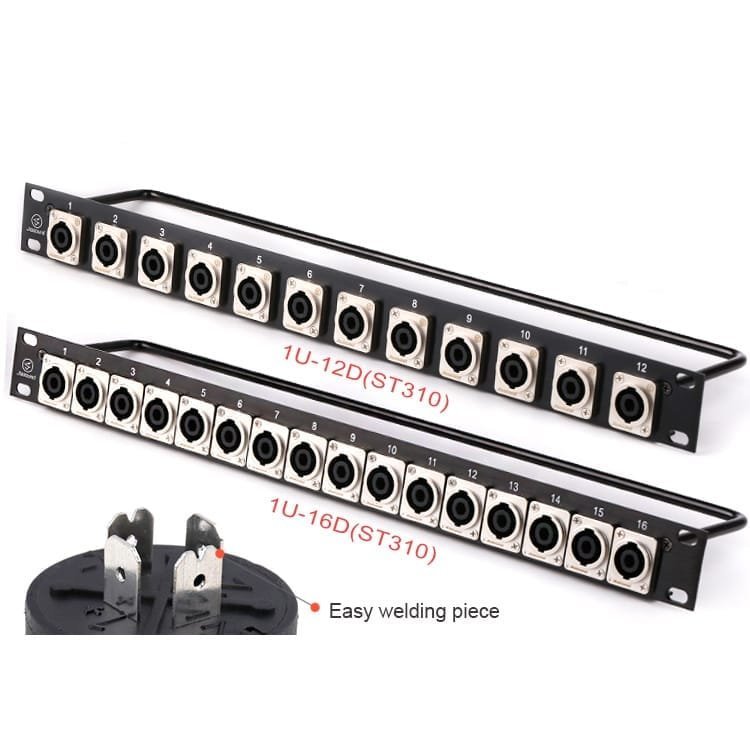
NL4 Speakon Rack Panel
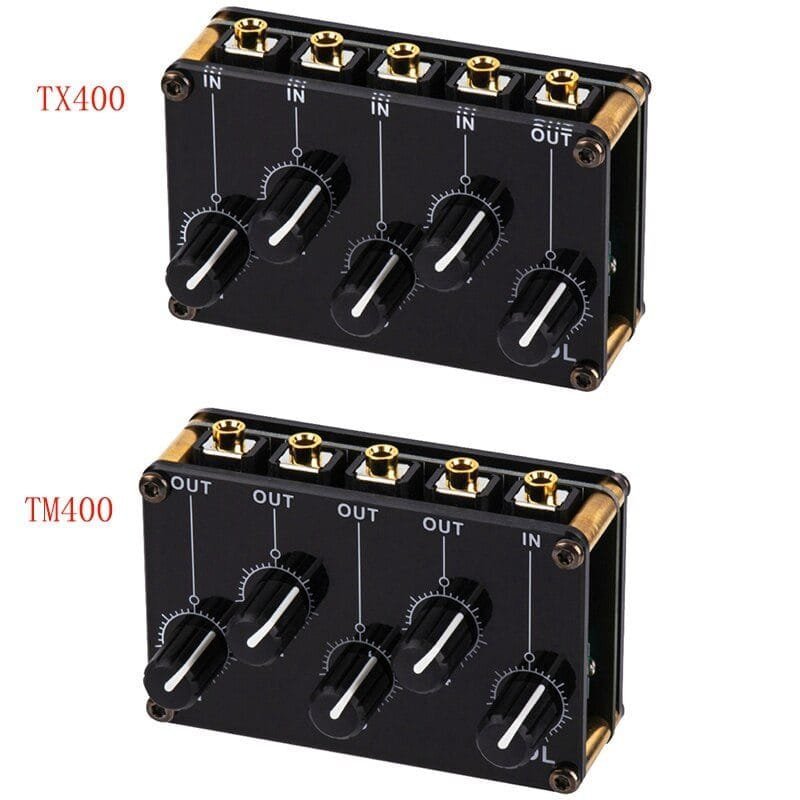
Line Mixer 4 Channel
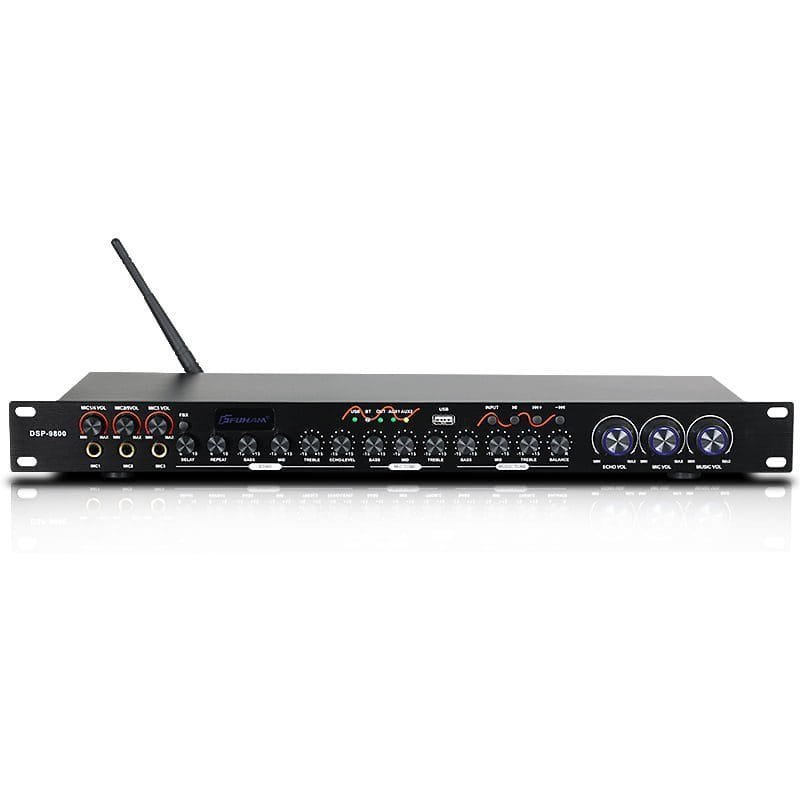
Bluetooth ktv processor effector
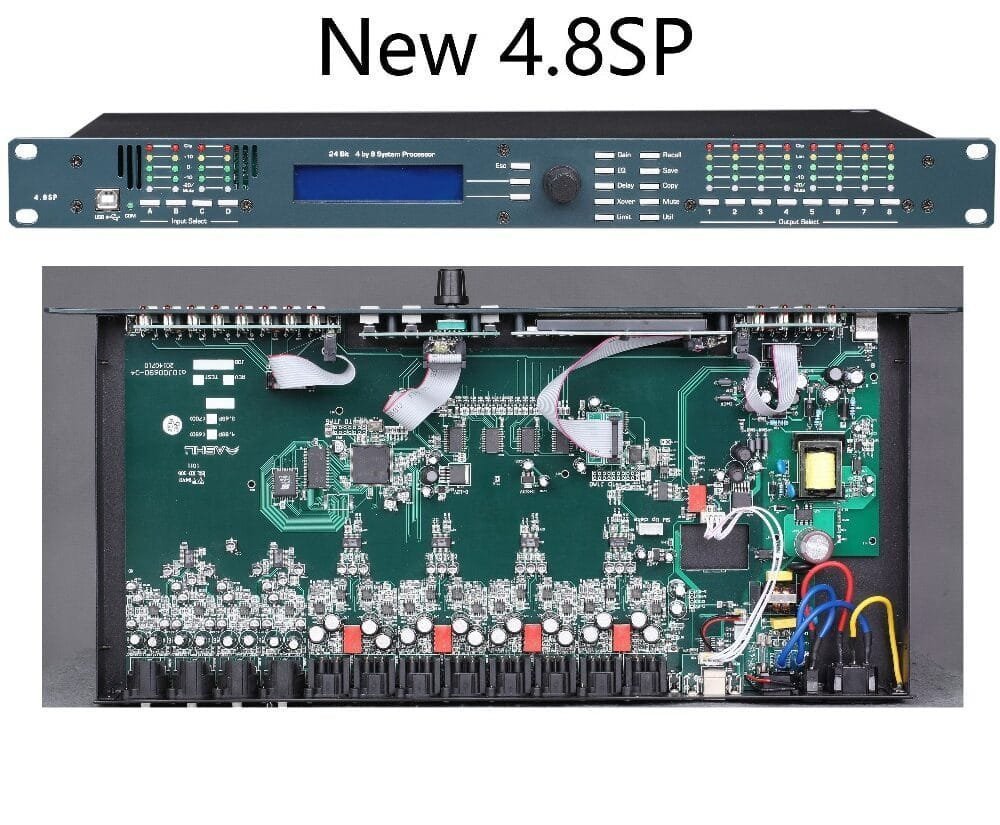
4In8Out audio control digital processor
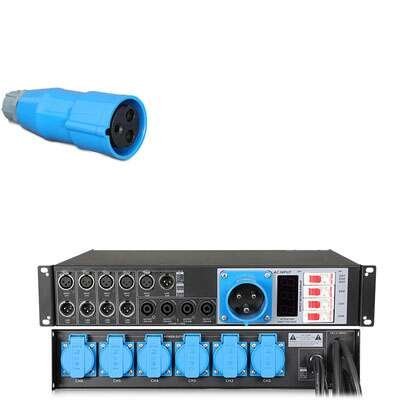
linearray power signal distributor
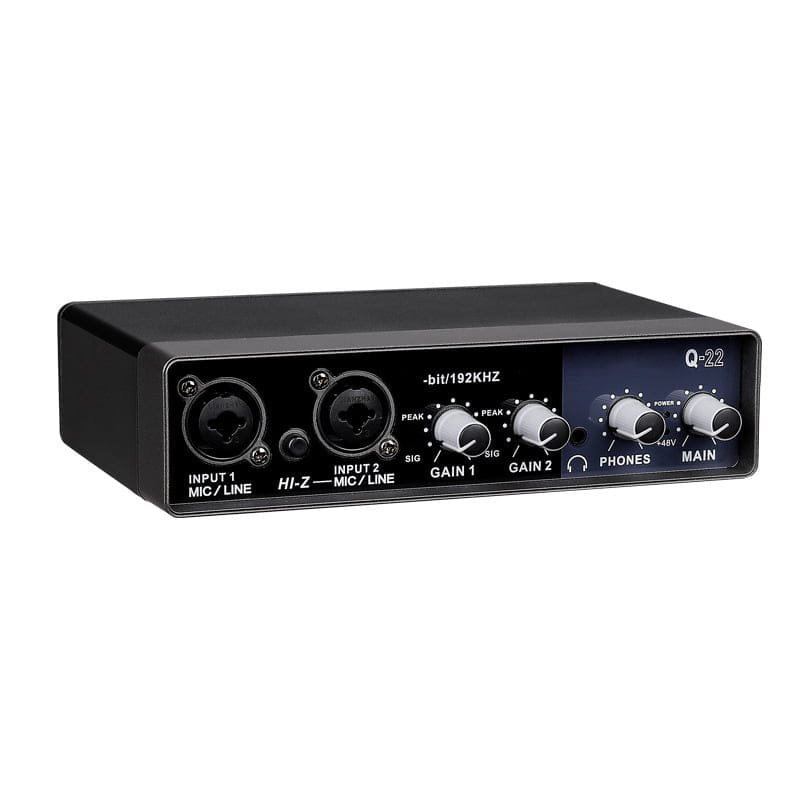
external sound card audio interface
Mini Channels Individual 48V Phantom Power Audio Mixer
Digital 31 Bands Audio Equaliser
4 Channel Audio Mixer
NL4 Speakon Rack Panel